iPhone 17 → Pixel 10 Pro as a developer — 3 things I lost, 2 I gained
I went from iPhone 12 Pro all the way to iPhone 17, then jumped to Pixel 10 Pro in early 2026. 3 months as daily driver: Termux + ADB + open file system is real, but losing iMessage / AirDrop with the MacBook hurt more than I expected. Honest verdict.
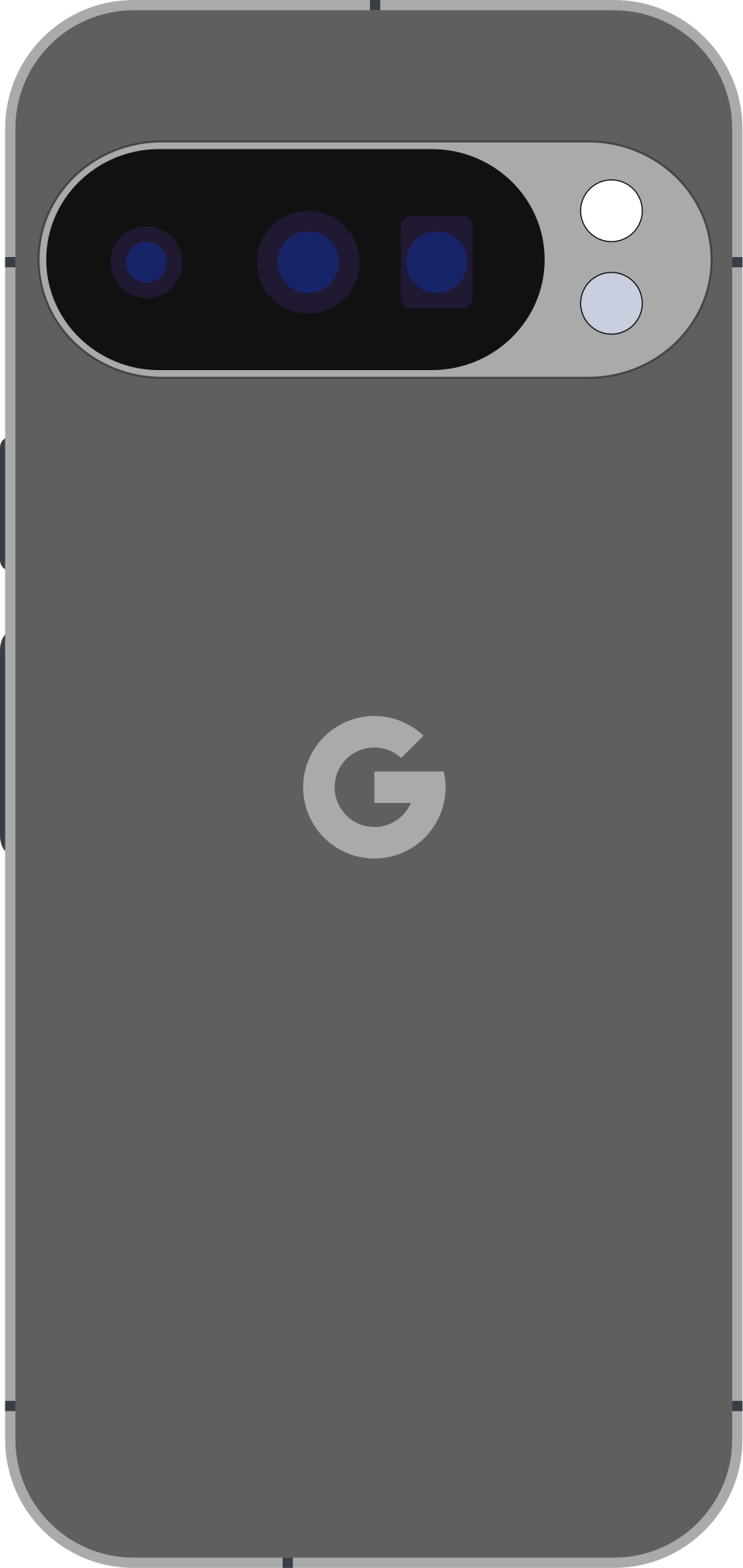
I’d been on iPhone for years — 12 Pro (2020) → 14 Pro (2022) → 17 (2025). Five years in Apple’s ecosystem with MacBook, AirPods, Apple Watch.
February 2026, I sold the iPhone 17 and bought a Pixel 10 Pro. Only reason: curiosity after MKBHD’s Magic Cue + on-device Gemini Nano 2 review — and wanting to know if Android could actually survive a freelance dev’s daily workflow.
3 months as daily driver. Here are 3 things I lost and 2 I gained. This isn’t a general iPhone-vs-Android piece — it’s the view from a freelance dev who codes 8 hours a day on a MacBook.
3 things I lost
1. iMessage + AirDrop with the MacBook — hurt the most
This is the one I completely underestimated. Back on iPhone:
- Clients texted iMessage → I read + replied on the MacBook while coding, never picking up the phone.
- Needed to send a screenshot from Mac to phone → AirDrop, 2 seconds.
- Needed to pull a 200MB video from phone to Mac for editing → AirDrop, 8 seconds.
On Pixel:
- iMessage gone — iPhone clients can still reach me (SMS fallback or RCS via Google Messages since 2024), but a group chat with 5 iPhones + me on Android drops out of RCS, so everyone has to use WhatsApp. Friction.
- AirDrop gone — replaced with Quick Share (Android ↔ Android fine) or
LocalSendfor Android ↔ Mac. Works, but 3 steps instead of 1. - Continuity Camera gone — I used to use iPhone as a webcam for the Mac in meetings, better quality than the built-in. Now I had to buy an external webcam.
Cost: ~10 minutes/day of friction. ~5 hours/month.
2. A handful of iOS-only dev / fintech apps
- Working Copy — iOS Git client. I used it to pull repos onto the phone and read code at a café without my laptop. Android has no clean equivalent (GitJournal exists, but UX is far behind).
- TestFlight — iOS clients ship builds via TestFlight. Can’t test on Pixel. Borrow a friend’s iPhone or ask the client for an APK.
- Halide / Darkroom — pro raw photo + editing. Pixel has Google Photos + Lightroom Mobile, but muscle memory doesn’t transfer.
- A few region-specific banking / fintech apps that ship iOS updates 2-3 weeks ahead of Android.
About 4-5 apps in my daily flow without 1-to-1 equivalents. Not deal-breakers individually, but stacking small things = friction.
3. Video quality — iPhone still wins natively
Pixel 10 Pro takes better photos than iPhone 17 in 80% of cases — especially low light and HDR. Video is where iPhone still wins.
Specifically: I record demos and short vlogs for freelance work (showing client a feature, screen + me talking) at 4K30. iPhone ProRes color profile + native stabilization feels cinematic. Pixel video is sharp, but skin tones lean yellow and Audio Magic Eraser sometimes cuts my voice as “noise”. Annoying mid-record.
If your workflow is video-heavy → keep iPhone.
2 things I gained
1. Termux + SSH + on-device development
This is the reason every dev should try Android at least once.
Termux = a real Linux terminal running on Android, no root needed. I installed:
pkg install openssh git tmux neovim node python ripgrep fd
And got a tiny dev environment right on the phone. I’ve already:
- SSH’d into a VPS from the phone at a café without a laptop, fixed a hot-reload production bug in 15 minutes.
- Pulled a repo onto the phone, read code + edited a Markdown blog post on the train.
- Set up a persistent tmux session so every time I open Termux, I’m right back where I left off.
iOS has a-Shell and iSH, but both are throttled hard by iOS’s sandbox — unreliable outbound SSH, no tmux persistence across app kill, limited package availability.
You don’t need to use Termux every day. But the feeling of “phone is a small computer” instead of “phone is a portal into the app store” is different.
2. Open file system + sideloading
- Download an APK from GitHub (Obtainium pulls the latest release of an open-source app) → install → done. iOS has no concept of this, even with EU’s half-open sideloading from 2025.
- Plug USB-C into the MacBook → Pixel appears as a USB drive (MTP) → drag files over with Finder. iPhone has to go through Photos or Files app, sometimes mangling metadata.
- Custom launchers, custom widgets via KWGT, automation via Tasker / MacroDroid. My phone now has a widget showing
git log --oneline -5for 3 freelance repos on one screen. Built it in 20 minutes.
This isn’t “Android is better” — it’s “Android makes it easier for a dev to build their own tools”. Subtle but important if you like to tinker.
Verdict after 3 months
I’m keeping the Pixel 10 Pro as a secondary phone, primary back to iPhone 17 after 3 months. Reasons:
- iMessage / AirDrop with the MacBook ecosystem is too hard to replace when you’re a freelancer talking to clients 80% over iMessage (in the US — in some regions WhatsApp / regional apps make it less painful).
- 4-5 iOS-only apps in my workflow without clean equivalents.
- iPhone video is still more cinematic for record-the-screen demos.
But Pixel as secondary makes sense:
- Termux when I need to SSH into a VPS without a laptop.
- Test Android builds from clients (if I’m doing Flutter / React Native).
- Magic Cue + on-device Gemini Nano for personal automation (pulling context from WhatsApp into Calendar, etc.).
When to switch iPhone → Pixel
Switch if:
- Primary stack is Android development (Flutter / Kotlin / React Native)
- Desktop workflow is Linux or Windows — no Apple ecosystem to lose
- You like to tinker (Termux, Tasker, custom launchers) more than you value stability
- You use Google ecosystem (Drive, Photos, Gmail) as primary
Don’t switch if:
- Daily desktop is a MacBook AND 50%+ of your contacts text via iMessage (losing iMessage = constant friction)
- Workflow is video-record / livestream heavy (iPhone still wins)
- You use iOS-only apps daily (Working Copy, Halide, region-specific fintech)
- You don’t tinker — and want a phone that “just works” 100% of the time
Closing
iPhone vs Pixel in 2026 isn’t a hardware fight anymore. Both have great cameras, beautiful 120Hz screens, all-day battery, fast chips. The fight has moved to ecosystem fit.
If you already have MacBook + AirPods + Apple Watch — iPhone is still default because the ecosystem lock is real. Switching to Pixel costs ~10 minutes/day of friction × 30 days = 5 hours/month. Not worth it unless you have a specific reason.
But if you’re outside the Apple ecosystem, or you’re a dev who likes to tinker, or you want a Linux-ish phone in your pocket: Pixel 10 Pro in 2026 is the best Android phone I’ve held. Magic Cue is genuinely useful (it suggests an email reply mid-call with a client), low-light camera beats iPhone, and Termux opens a world iOS doesn’t have.
I’m keeping the Pixel 10 Pro as secondary. A year from now, if Apple ships full sideloading globally and a Termux-equivalent appears on iOS — maybe I won’t need two phones. Not there yet.
Sources
- Pixel 10 Pro specs from Google Store. Tested unit: 256GB, Obsidian.
- iPhone 17 specs reference at Apple iPhone 17 page.
- Termux package list at termux-packages. F-Droid is the canonical install source since 2024.
- Magic Cue and Gemini Nano 2 announcement: Google “Made by Google 2025” event, August 2025.
- RCS interop iOS ↔ Android: Apple WWDC 2024 announcement, rolled out late 2024.